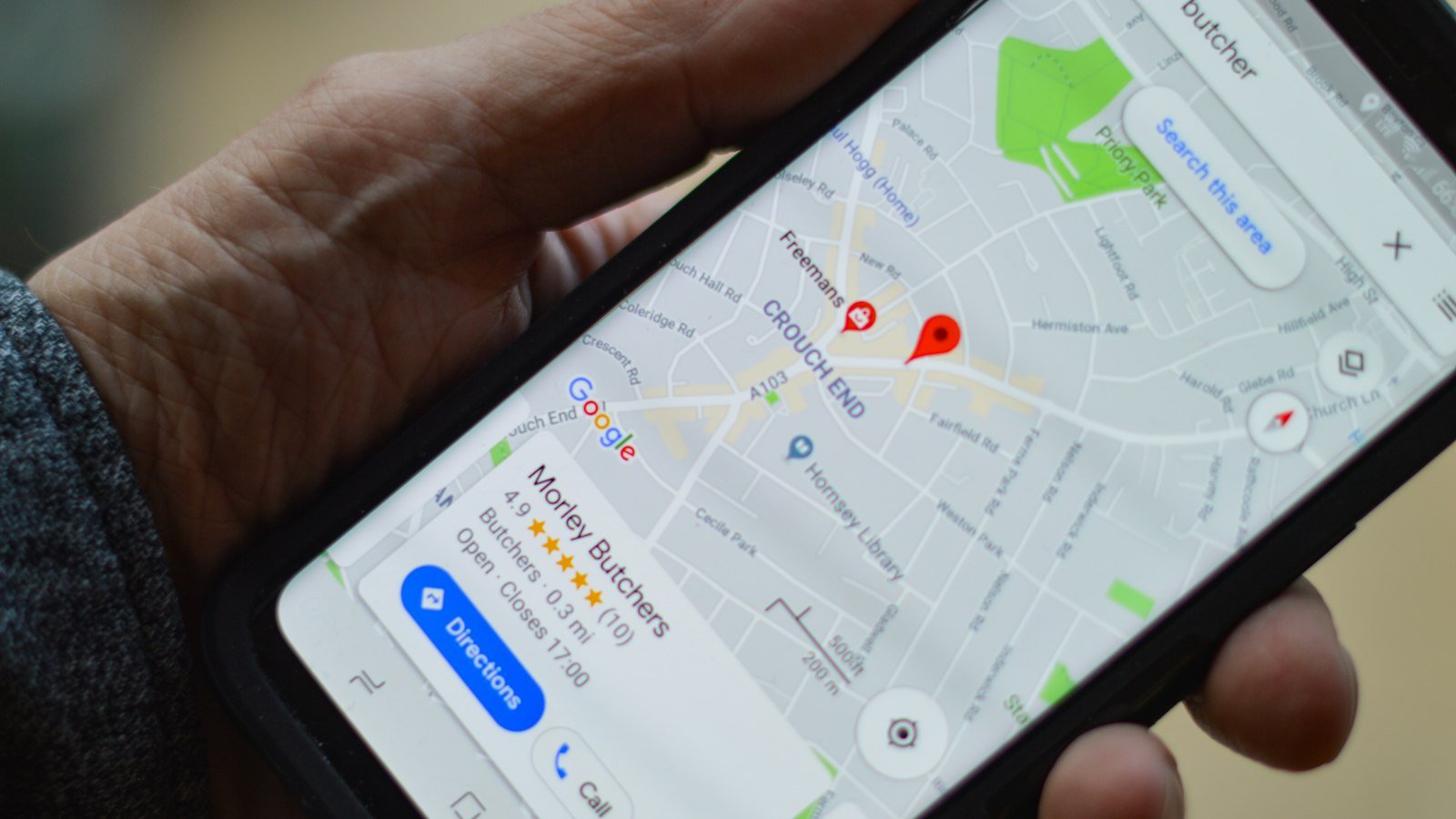

When someone searches on Google, ads appear and, just below them, the organic results: the ones nobody paid to be there. Ranking well in those results brings visits every day, with no cost per click. The path to that is called SEO. This guide explains the basics simply.
What SEO is
SEO stands for Search Engine Optimization. It is the work of making a website easier to be found, understood and chosen by Google and, today, by artificial intelligence tools as well.
How Google chooses its results
In a simplified way, Google does three things:
- Crawls: bots visit websites and read the pages.
- Indexes: stores and organizes the content of each page.
- Ranks: when someone searches, it chooses the pages that best answer that search, considering relevance, quality, user experience and trust.
The goal of SEO is to make each of these steps easier.
Pillar 1: technical SEO
This is the foundation. Without it, the best content may not even be found.
- A fast website, especially on phones.
- A responsive version that works well on any screen.
- A security certificate (HTTPS).
- Sitemap and robots.txt set up to guide the bots.
- An organized heading structure (H1, H2, H3).
- Clear addresses (URLs), like /business-website instead of /page?id=123.
- Structured data that explains to Google what each piece of information is.
Pillar 2: content
Google wants to show the most useful answer to each search. That is why every page should have a clear topic and answer well what the client is looking for.
- One page for each important service. “Business website”, “Online store” and “Google Ads” deserve their own pages.
- A unique title and description on every page, with the main keyword.
- Direct answers to the most common questions, ideally at the beginning.
- Original content, never copied from other websites.
- A blog with articles that answer your audience’s questions.
Pillar 3: authority
Authority is the trust your website conveys. It grows when other trustworthy websites, profiles and directories mention your business.
- A complete Google Business Profile with reviews.
- Links from partners, suppliers, associations and local press.
- Consistent social media presence with the same name, phone and address.
Step by step to get started
- List the services you sell and how clients search for them.
- Make sure each service has a clear page on the website.
- Adjust the titles, descriptions and copy of those pages.
- Add the website to Google Search Console and submit the sitemap.
- Complete your Google Business Profile.
- Publish useful content regularly.
- Track the results and improve the pages that already appear.
How long SEO takes
SEO is not instant. The first signs usually appear within weeks, and consistent results are built over months, depending on the competition. The advantage is that, unlike ads, results don’t disappear when you stop investing: the content keeps bringing visits.
SEO and ads together
While SEO matures, Google ads help bring in clients from day one. Over time, organic traffic grows and reduces dependence on ad budget.
What a well-optimized page looks like
Imagine the service page “Solar panel installation in [city]”. Well optimized, it has:
- Tab title: “Solar Energy in [City] | Complete Installation | Company X”.
- Description: a two-line summary with the benefit and the call to action.
- Address: /solar-energy-city.
- Main heading (H1): “Solar panel installation in [city] for homes and businesses”.
- Opening paragraph: a direct answer about what it is, for whom and how much it costs.
- Subheadings (H2): how it works, benefits, price, timeline, FAQ.
- Lightweight images with descriptions.
- Internal links to completed projects and to the contact page.
- Structured data for company, service and FAQ.
Internal links: the detail many forget
Links between pages of your own website help Google understand which pages matter most and how topics relate. Link blog articles to service pages, service pages to projects and all of them to the contact page. Use descriptive link text, like “see how online store design works”, instead of “click here”.
Common beginner mistakes
- Having a single page for all services.
- The same page title across the whole website.
- Repeating the keyword in a forced way.
- Forgetting the mobile version.
- Publishing content copied from other websites.
- Giving up before results show up.
SEO glossary
- Indexing: when Google stores the page so it can show it in searches.
- SERP: the results page of a search.
- Organic traffic: visits from unpaid results.
- Backlink: a link from another website pointing to yours.
- Meta description: the page summary that appears in the result.
- H1, H2, H3: the heading hierarchy of the page.
Conclusion
SEO is ongoing work that combines technical setup, content and authority. Start with the basics done well: a clear page for each service, unique titles and descriptions, a fast website and a complete Google Business Profile. With consistency, your website starts bringing in clients every day, without paying per click.
Frequently asked questions
Is SEO paid?
Organic results are not paid to Google. The investment is in the work of optimizing the website and producing content.
What is the difference between SEO and Google Ads?
With Google Ads you pay per click and appear immediately. With SEO you don’t pay per click, but results take longer to appear and tend to last.
Does an Evollue website come with SEO?
Yes. Every project comes with technical SEO: titles, descriptions, structure, sitemap, structured data and speed.