
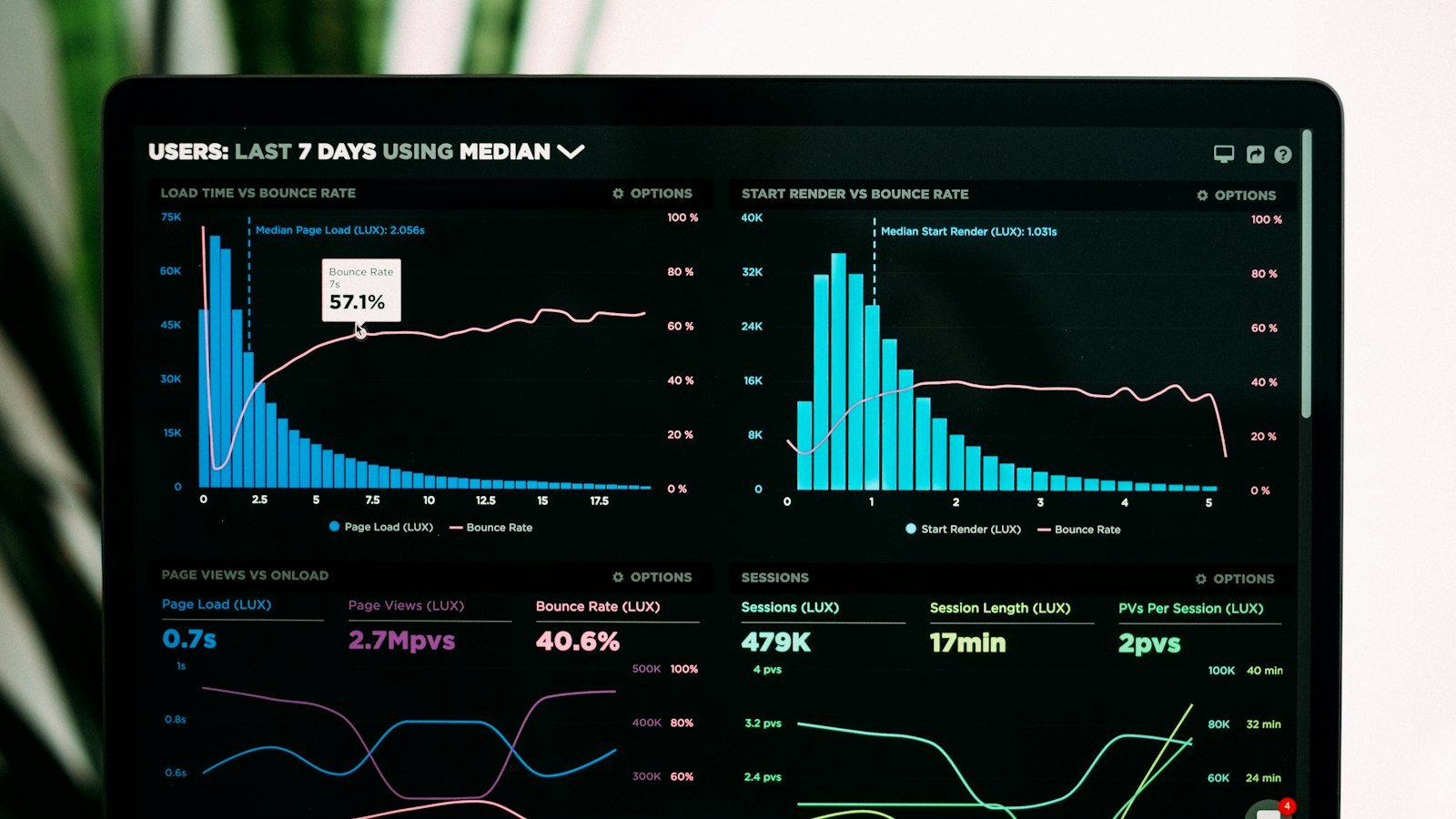
Having a website without measuring results is like having a store without knowing how many people walked in and how many bought. With free Google tools, you can understand where visitors come from, what they do and how much the website contributes to sales.
The two essential tools
- Google Analytics: shows what happens on the website: visits, page views, traffic sources and conversions.
- Google Search Console: shows how the website appears on Google Search: which searches bring it up, how often it appears and how many clicks it gets.
Both are free and complement each other.
The numbers that really matter
- Visits (users and sessions): how many people reached the website.
- Traffic source: organic search, ads, social media, direct access or links from other websites.
- Conversions: the actions that matter to the business, such as WhatsApp clicks, form submissions, calls and purchases.
- Conversion rate: the percentage of visitors who take the action.
- Landing pages and top-converting pages: they show what is working.
- Device: phone or computer, to prioritize improvements.
Set up conversions
The number of visits alone is misleading. What matters is how many people got in touch. Set up as conversions:
- Clicks on the WhatsApp button.
- Contact form submissions.
- Phone clicks.
- Purchases, for online stores.
With this, you find out which channels and pages bring clients, not just visits.
What to look at in Search Console
- Queries: the searches the website appears for.
- Impressions and clicks: how often it appeared and how often it was clicked.
- Average position: where it usually appears.
- Pages with issues: indexing errors that keep pages from appearing.
A valuable tip: look for queries with many impressions and few clicks. Improving the title and description of those pages can increase visits quickly.
A simple monthly routine
- Compare visits and conversions with the previous month.
- See which channels brought the most leads.
- Identify the pages that convert the most and the least.
- In Search Console, look at new searches and improvement opportunities.
- Choose one or two improvements for the next month.
How to turn data into results
- Many visits and few leads: review the message, calls to action and speed.
- Few visits: invest in SEO, content and ads.
- Phones convert less: improve the mobile version.
- One page converts a lot: send more traffic to it.
Respect privacy
When using measurement tools, state in your privacy policy that the website collects browsing data and what it is used for, in line with data protection laws such as LGPD and GDPR.
Example of reading the numbers
A service company looked at the month’s data and noticed that:
- most visits came from phones, but the conversion rate on phones was lower than on computers;
- one specific service page received many visits from Google, but almost no leads;
- visitors coming from ads converted well on the landing page.
The actions were: improve the mobile version, review the copy and button on the low-converting service page and increase the budget of the campaigns leading to the landing page. The following month, leads grew without increasing the number of visits.
Tagging campaign links
To know exactly where leads come from, add parameters to the links you share (known as UTMs), indicating the source, medium and campaign. For example, a link in your Instagram bio and another in an email can lead to the same page but appear separately in Analytics. This helps you understand which actions really bring clients.
A simple dashboard for the business owner
Instead of looking at dozens of reports, track a monthly summary with:
- total visits and visits by source;
- total leads (conversions) and leads by source;
- conversion rate;
- the five pages that generated the most leads;
- the main searches in Search Console.
Conclusion
Measuring is what turns the website into a growth tool. Set up Google Analytics and Search Console, define the conversions that matter, track a few numbers regularly and make one improvement decision per month. Over time, the website brings more clients with the same number of visits.
Frequently asked questions
Is Google Analytics paid?
The standard version of Google Analytics is free and serves small and medium businesses very well.
What is the difference between Analytics and Search Console?
Analytics shows behavior on the website; Search Console shows how the website appears on Google Search.
Does Evollue set up these tools?
Yes. The Business Website plan includes Google Analytics and Search Console set up.