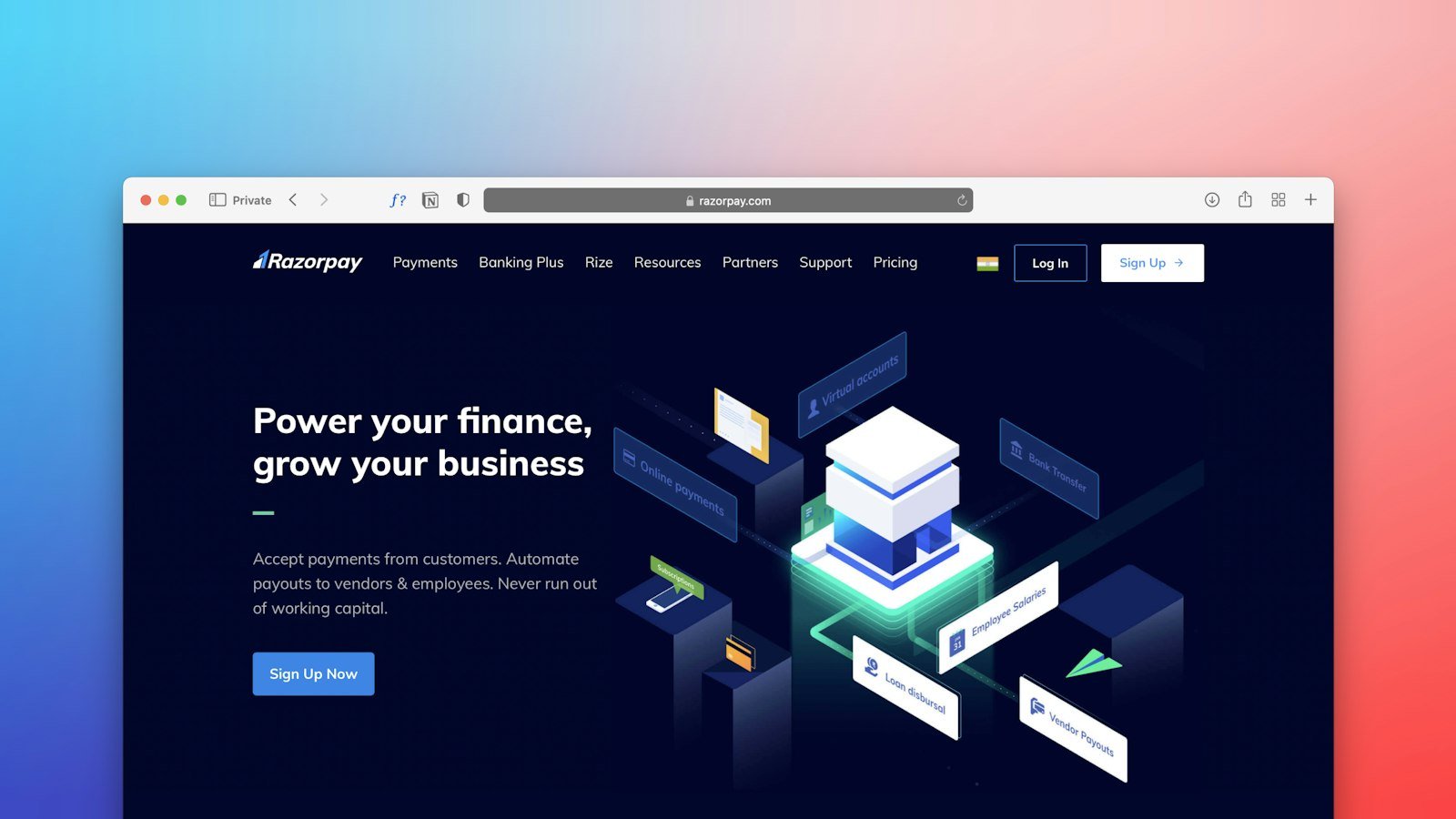

Design gets attention, but copy is what convinces. Many beautiful websites do not bring in clients because they speak generically, full of adjectives, without answering what visitors want to know. In this guide you will learn a simple structure to write your website copy.
Before writing: understand who will read it
Answer three questions before opening your text editor:
- Who is the ideal client? Age, profession, city, what they value.
- What problem do they want to solve? What makes them look for you today.
- What action do you want them to take? Message on WhatsApp, request a quote, book, buy.
A great source of words is your own WhatsApp: the questions clients ask show exactly what the website needs to answer.
The main headline
The headline at the top should say, in a few words, what you do and for whom. Avoid phrases like “Excellence in solutions”. Compare:
- Weak: “Quality and commitment since 2010.”
- Strong: “Physiotherapy clinic in [city] for people who want to move again without pain.”
Right below, a short paragraph explains how you do it, and a button leads to the main action.
Benefits, not just features
A feature is what the service has; a benefit is what the client gains. “Open on Saturdays” is a feature. “You get it done without missing work” is a benefit. Use both, but make the client’s gain clear.
The structure that works
- Header: what you do, for whom and the main action.
- The problem: show that you understand the client’s situation.
- The solution: your services, explained simply.
- How it works: the steps, to reduce uncertainty.
- Proof: projects, clients, testimonials, reviews and real numbers.
- Price or investment: prices, ranges or how quotes work.
- FAQ: answer objections before they come up.
- Final call: a clear invitation to the next step.
Writing rules for the web
- Short sentences: one idea per sentence.
- Paragraphs of up to three lines: large blocks of text scare readers away on phones.
- Headings and lists: most people scan before reading.
- The client’s words: if they say “repair”, don’t write “corrective maintenance”.
- You instead of we: talk to the reader. “You get” convinces more than “we offer”.
Calls to action
Every section should end with a next step. Replace “Learn more” with buttons that say what happens: “Request a quote on WhatsApp”, “Book an assessment”, “See pricing”. The more specific, the more likely the click.
Copy that helps on Google and with AI
Use the words clients search for in the title and headings, say where you operate and answer questions directly. This format helps Google understand the page and increases the chance of being cited by tools like ChatGPT.
Mistakes that make visitors leave
- Starting with the company’s history instead of what the client gains.
- Too much technical jargon.
- Not saying where you operate or how to get in touch.
- Hiding the price when the client clearly wants to know it.
- Copy copied from other websites.
A ready-made template for the home page
Use this structure as a starting point and adapt it to your business:
- Headline: [Service] for [audience] in [city]. E.g.: “Accounting for small businesses in [city]”.
- Subheadline: the main benefit in one sentence. E.g.: “Your taxes in order while you focus on selling”.
- Button: the main action. E.g.: “Talk to an accountant on WhatsApp”.
- Problem: two or three sentences showing you understand the client’s pain.
- Services: each with a title, a benefit sentence and a link to its own page.
- How it works: three or four steps.
- Proof: clients, testimonials, reviews, years in business.
- FAQ: five to eight real questions.
- Final call: reinforce the benefit and add a button.
Before and after: rewriting a paragraph
Before: “We are a company committed to excellence, offering innovative and personalized solutions to meet our clients’ needs with quality and responsibility.”
After: “We install air conditioning in homes and offices in [city]. Same-day technical visit, written quote and a warranty on the service.”
The second text is shorter, more concrete and answers what the client wants to know.
How to review your copy
- Read it out loud: sentences that are hard to say are also hard to read.
- Cut words that add no information.
- Swap adjectives for facts: instead of “fast”, state the timeline.
- Check that each section ends with a next step.
- Ask an outsider to read it and tell you what they understood.
Conclusion
Good website copy is clear, concrete and written for the client. Start with what they want to know, show benefits and proof, answer objections and invite them to act. With a simple structure and careful review, your website starts selling while you work.
Frequently asked questions
Can I use artificial intelligence to write the copy?
Yes, as a starting point. But review everything: adjust it to the way you speak, include real information about your business and check there are no promises you can’t keep.
How many words should the home page have?
There is no fixed number. It needs enough text to explain what you do, show proof and answer the main questions, always well organized.
Does Evollue write the website copy?
Yes. We organize the copy based on the briefing, focused on your client and on generating leads.