
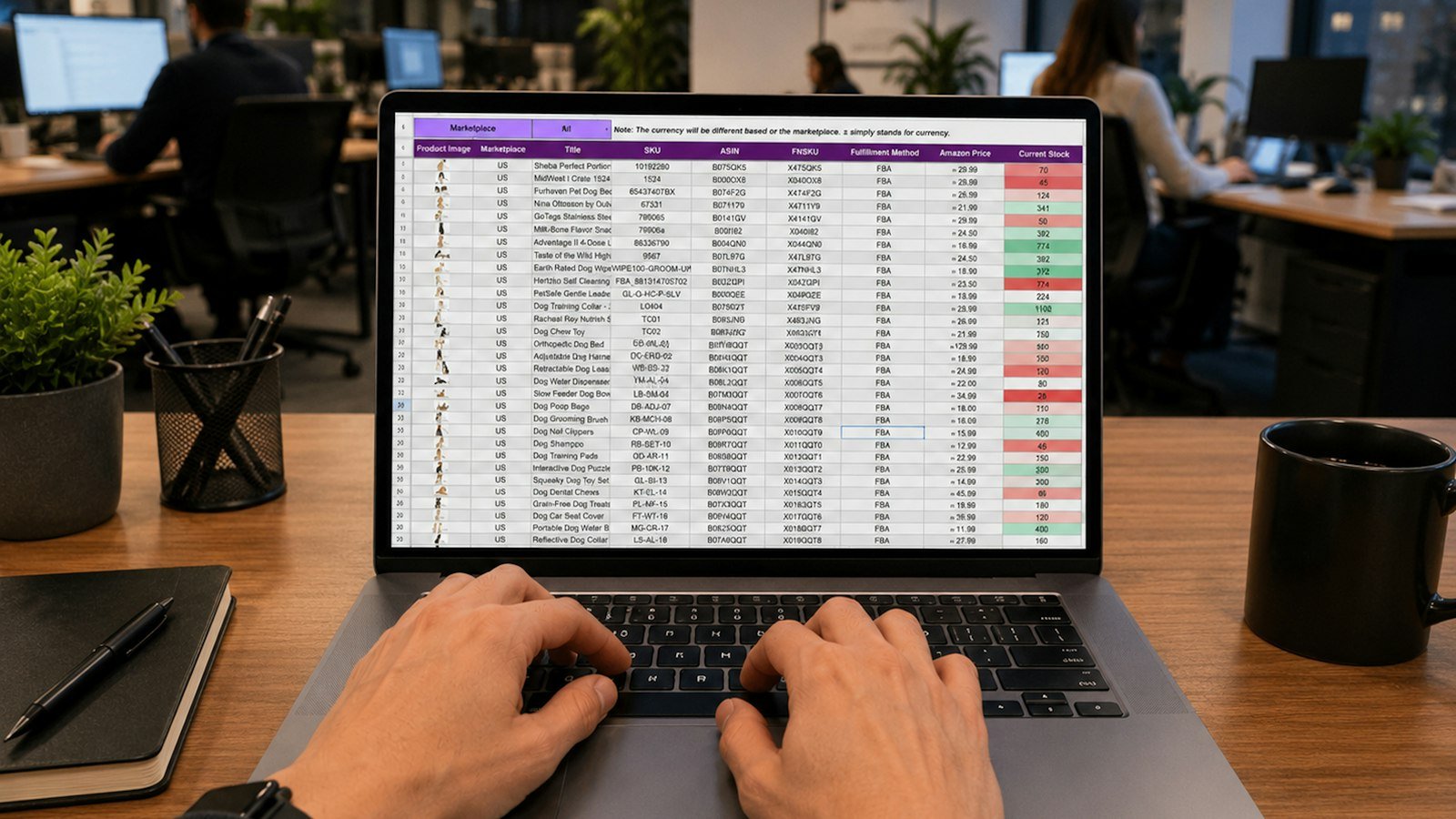
Almost every company starts by organizing its operation in spreadsheets. They are flexible, cheap and everyone knows how to use them. But as the business grows, spreadsheets become a tangle of files, versions and broken formulas. Knowing when to move to a system avoids costly mistakes and frees up the team’s time.
Signs the spreadsheet has reached its limit
- Different versions: “spreadsheet_final_v3_this_time.xlsx” circulates on WhatsApp.
- Typing errors: wrong values, blank fields, duplicated data.
- Scattered information: each department has its own spreadsheet and no one has the full picture.
- No access control: everyone sees and changes everything.
- Slow reports: hours to gather data and build a summary.
- Dependence on one person: only one person knows how to handle the formulas.
- Slow customer service: answering a client requires searching through several files.
What a web system solves
- Centralized data: a single source of truth, updated in real time.
- Access control: each person sees and edits only what they need.
- Validation: required fields and correct formats reduce errors.
- History: a record of who did what and when.
- Automatic reports: ready-made dashboards, without building them by hand.
- Access from anywhere: through the browser, on a computer or phone.
- Automation: repetitive tasks, such as notices and calculations, running on their own.
Off-the-shelf or custom system?
For very common processes, like invoicing or basic financial control, off-the-shelf systems can do the job. When your process is specific, when you need to bring several steps into one place or when ready-made tools force the team to adapt, a custom system is usually the best choice.
How to plan the switch
- Map the current process: who does what, in what order and with what information.
- Identify the pain points: where the errors, delays and rework are.
- Define the essentials: what the system must have in its first version.
- Involve the users: the team that will operate the system should take part.
- Migrate the data from the spreadsheets carefully, with checks.
- Train the team and keep a transition period.
- Evolve in stages: new features as they are needed.
Common mistakes in the switch
- Wanting every feature at once and delaying the project.
- Not involving the people who will use it day to day.
- Copying the spreadsheet into the system, without taking the chance to improve the process.
- Not planning the migration of old data.
What your time is worth
Add up the hours the team spends each week gathering data, fixing errors and looking for information. Often that time, multiplied over months, shows the system pays for itself faster than it seems.
Example: from spreadsheets to a system
A maintenance company tracked work orders in spreadsheets: one for scheduling, another for materials and another for finance. Technicians received information by message and, at the end of the day, someone updated everything by hand. There were oversights, rework and difficulty knowing how much each job earned.
With a web system, each work order got a single record: client, address, assigned technician, materials used, photos and status. The technician updates it from a phone, finance sees what has been completed and the owner follows everything on a dashboard.
Questions to find out what the system needs
- What information is recorded today, and by whom?
- What steps does the process have, from start to finish?
- Who needs to see what?
- Which reports do you need every week or month?
- Which tasks are repetitive and could be automatic?
- Which tools does the system need to talk to?
The role of spreadsheets after the system
Spreadsheets don’t have to disappear. They remain useful for occasional analyses and simulations. The system becomes the official source of data, and spreadsheets can be generated from it when needed.
Conclusion
Spreadsheets are great for getting started, but they have limits. When errors, versions and rework start to cost a lot, a custom web system organizes the operation, provides control and frees up time. Plan well, start with the essentials and evolve in stages.
Frequently asked questions
Does a web system work without internet?
Web systems need a connection, but they can be accessed from anywhere and any device with a browser.
Can I import my spreadsheets into the system?
In most cases, yes. Data migration is part of the project planning.
How much does a custom system cost?
It depends on the features. At Evollue, pricing is by quote and fixed in the proposal, with development in stages.